
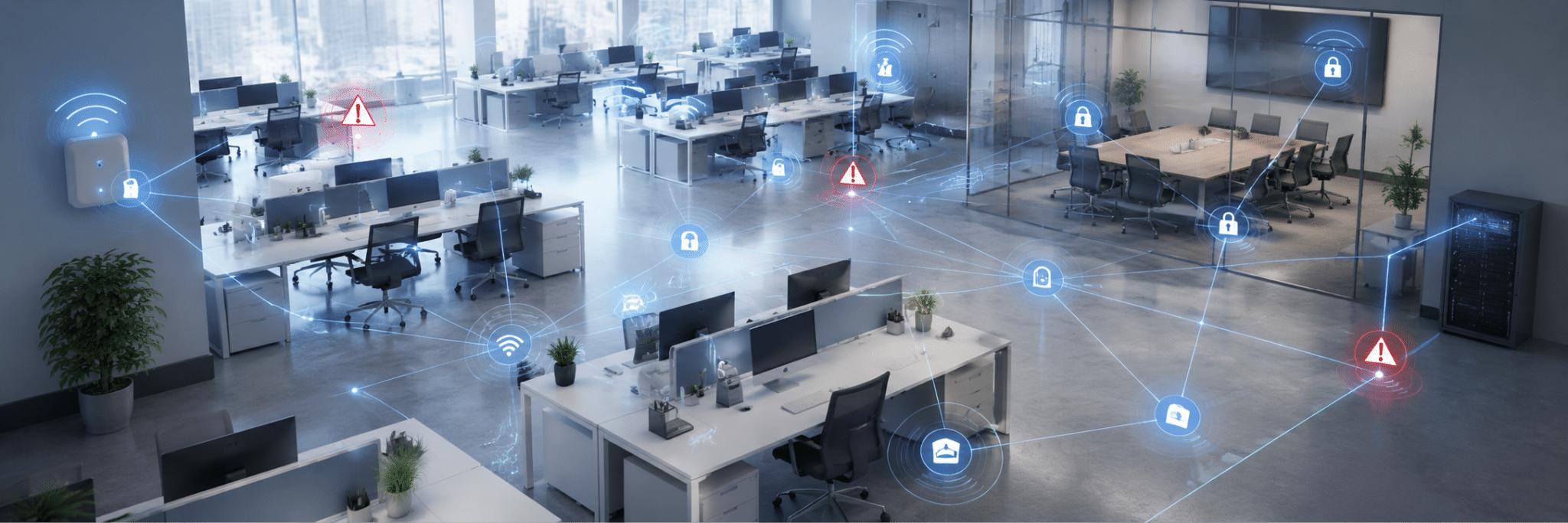

Your company network infrastructure is the foundation that keeps devices, applications, users, cloud tools, and locations connected. It includes your switches, routers, firewalls, access points, cabling, servers, internet connections, remote access tools, and the policies that control how everything communicates. When that foundation is outdated or poorly designed, the symptoms show up everywhere: slow systems, dropped calls, weak Wi-Fi, security gaps, and recurring IT tickets. Understanding these warning signs can help you determine when it's time to upgrade your network infrastructure.
Key takeaways
|
Your network feels slow even with a fast Wi-Fi
Slow performance is one of the easiest signs to notice, but it’s not always caused by your internet provider. Your internet circuit may be fast while your internal network is struggling.
For example, outdated switches, overloaded access points, poor cabling, or inefficient traffic routing can all slow down applications. Employees may experience lag during video calls, delays opening shared files, or slow access to cloud platforms even when internet connectivity appears normal. That usually means the issue is not just bandwidth but the way traffic moves through your environment.
You keep adding fixes instead of solving the root problem
Many companies build their networks one quick fix at a time. A new switch is added here, another wireless access point goes there, and a firewall rule gets changed to solve an urgent problem. Those quick fixes can work temporarily, but over time they create a network that’s hard to manage and harder to secure. If your IT team has to keep adding workarounds just to keep things running, your infrastructure may need a clean redesign.
A strong network should be documented, organized, and built around your actual workflows. It should not depend on the knowledge of a few key employees or a pile of emergency fixes.
Wi-Fi drops or dead zones are becoming routine
Unstable Wi-Fi affects calls, meetings, customer service, payment systems, and shared workspaces. If certain rooms, desks, or conference areas always have weak coverage, the problem may be poor wireless design. Access points may be in the wrong places, too few devices may be handling too much traffic, or nearby networks may be creating interference.
Note that adding more access points is not always the answer. Instead, consider a professional redesign that factors in coverage, density, building materials, channel planning, guest access, and security requirements before making changes.
Your network was built before your business changed
A network that worked five years ago may not support your business today. Maybe your company added more employees, opened another location, adopted VoIP phones, or shifted to hybrid work. Each change adds pressure. More users, devices, and cloud services mean more traffic moving across your network. So, if the original design was built for a smaller office with fewer tools, performance issues are almost guaranteed.
This is where redesign becomes practical, not excessive. USWired’s network design and installation services help businesses build or redesign secure, scalable, and reliable network infrastructure based on real operational needs.
Remote access feels clunky or risky
Remote access should be secure, controlled, and easy enough for employees to use. If remote workers constantly struggle to connect, if VPN access is too broad, or if nobody has reviewed remote access policies in years, your network design may be creating risk.
Modern work needs stronger visibility into who is connecting, which resources they are accessing, and what devices they are using. CISA’s guidance on modern network access security encourages businesses to move toward stronger access models that improve visibility and reduce risks tied to traditional remote access and VPN misconfiguration.
For everyday operations, this means your network should support secure remote work without giving users more access than they need.
Security tools are sitting on top of a weak foundation
Cybersecurity tools are important, but they can’t fully compensate for poor network design. If devices are not segmented, firewall rules are outdated, or critical systems are not monitored properly, attackers may have more room to move if one account or device is compromised.
A viable solution to reduce that risk is network segmentation, which entails separating systems based on their purpose, sensitivity, and access needs. Guest Wi-Fi, employee devices, servers, printers, security cameras, and financial systems should not all sit in the same open environment. Keeping these systems separated helps reduce exposure and prevent one issue from affecting the entire network.
Your IT team lacks clear documentation
If no one can quickly explain how the network is connected, which systems are critical, or where traffic flows, troubleshooting becomes slower and riskier.
Good documentation should include network diagrams, equipment lists, IP addressing, firewall rules, wireless layouts, vendor contacts, warranties, and backup connections. Without that visibility, every outage takes longer to diagnose.
A professional redesign often starts with discovery and documentation. That process alone can uncover outdated hardware, unsupported equipment, unused connections, or risky configurations.
Is your business dealing with slow systems, recurring Wi-Fi issues, remote access concerns, or a network that has grown through years of patchwork fixes? USWired can help. Our certified systems engineers provide tailored network design and IT support for businesses in San Jose, the Bay Area, and beyond. Schedule your FREE consultation today!